
List once, sell on eBay and Vinted.
Copy a listing from one site, set a price for each, then let Twinlist fill the other site's listing form. You check it and press publish.
Free. Works in Chrome and Edge.
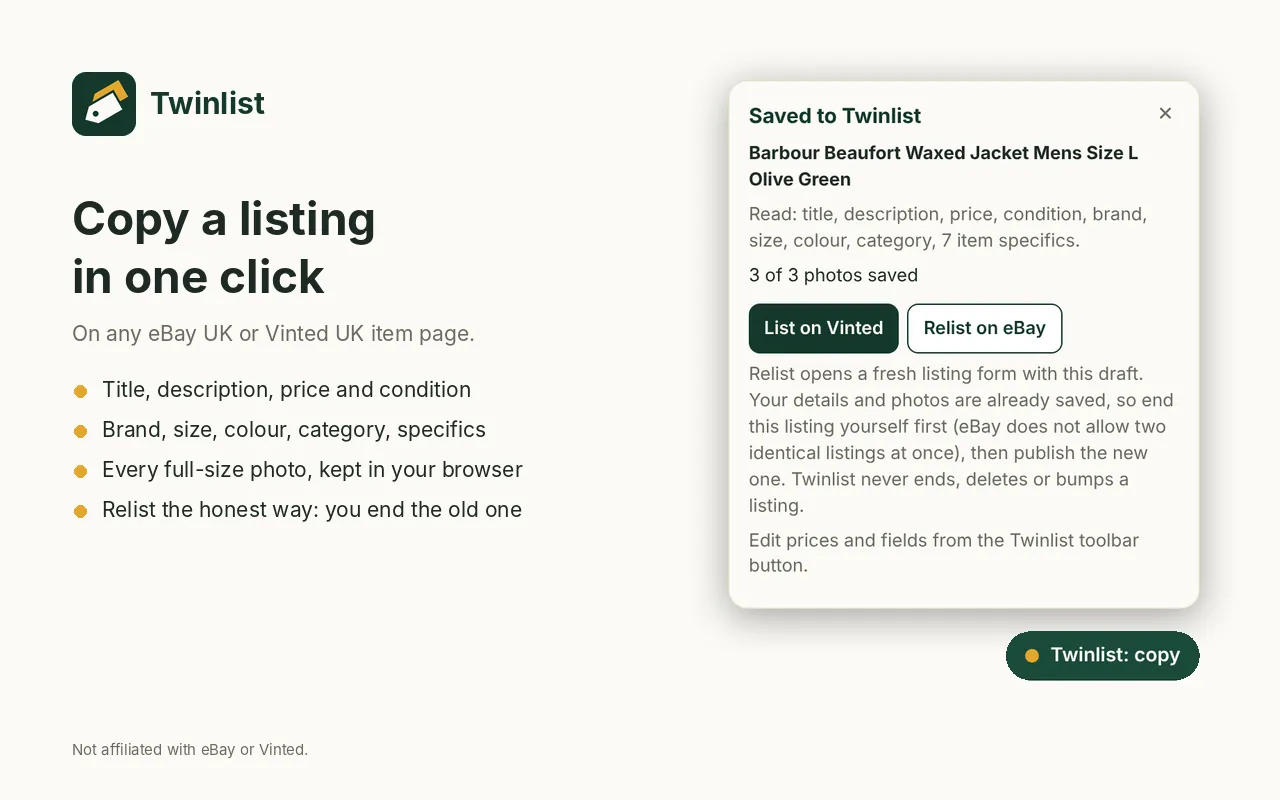
Everything Twinlist does, at a glance
Copy in one click
Title, description, price, condition, brand, size, colour, category, item specifics and every full-size photo, saved as a draft.
A price for each site
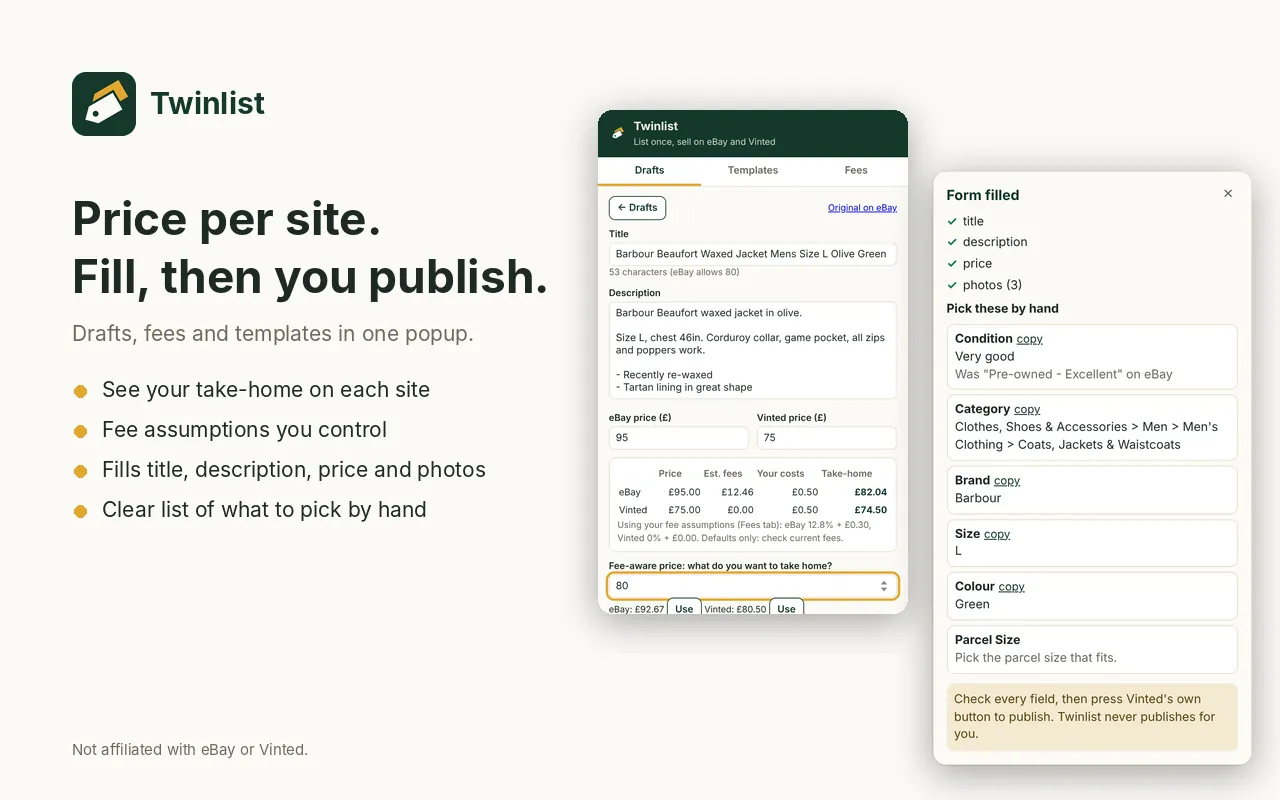
Set separate eBay and Vinted prices and see an estimated take-home on each, from fee assumptions you control.
Fills the other form
Title, description, price and photos go into eBay's or Vinted's own listing form, with condition translated between the two.
Pick-by-hand list
Anything the site wants picked from its own menus, such as category, brand and size, is listed with the value ready to copy.
You press publish
Twinlist never publishes, ends, deletes or bumps a listing. No loops and no bulk actions.
Templates and export
Save postage and returns footers, add them per site when you fill a form, and export your drafts to CSV.
See Twinlist in action
Select a screenshot to enlarge it.
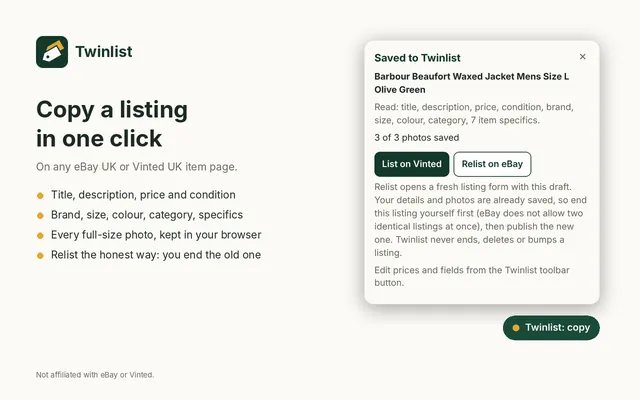
Copy a listing in one click: text, item specifics and photos. 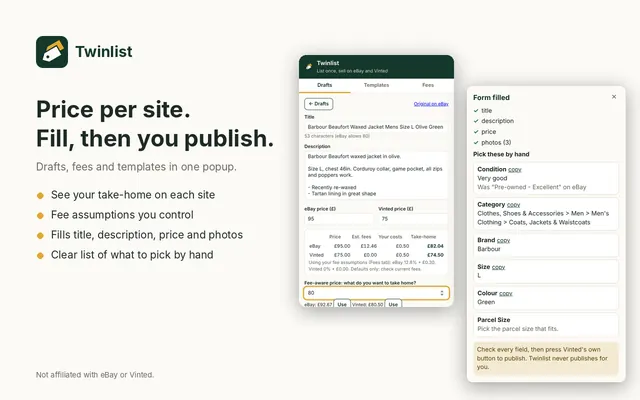
Set a price per site, then fill the other site's form.
Three steps, no setup
Add Twinlist
Add it to Chrome or Edge. No account needed.
Copy a listing
Open your item on eBay or Vinted and press “Twinlist: copy” at the bottom right. Set a price for each site in the toolbar popup.
Fill and publish
Open the other site's listing form and press “Twinlist: fill from draft”. Check everything, pick the remaining options and press the site's own publish button.
Made for
Twinlist is for UK sellers who already list on eBay or Vinted and want the item on the other site too, without starting from scratch.
- People clearing out clothes, shoes and kit who want to reach buyers on both sites
- Part-time resellers listing the same stock on eBay and Vinted
- Sellers who want to see their take-home on each site before setting a price
- Anyone tired of re-typing descriptions and re-uploading photos
Frequently asked questions
Is Twinlist free?
Yes. Twinlist is free to use, with no account.
Will it publish or relist anything for me?
No. Twinlist fills in the form and stops. You review it and press the site's own publish button. It never publishes, ends, deletes or bumps a listing.
Which sites does it work on?
ebay.co.uk and vinted.co.uk: item pages for copying, and each site's own listing form for filling.
Do I still need to follow each site's rules?
Yes, it is your listing. For example, eBay does not allow two identical listings at once, so when you relist, end the old listing yourself, ideally before you publish the new one.
Are the fee and take-home figures exact?
They are estimates from fee assumptions you set, with editable defaults. Fees change, so check the current fees on each site.
Where are my drafts and photos kept?
In your browser's own storage on your computer. They are never sent to us. Delete any draft from the popup, and uninstalling removes everything.
A listing did not copy or fill. How do I get help?
Send us the item link through the feedback form or email plumblinelabs.uk@gmail.com.
Privacy in plain English
Twinlist is built to work without knowing who you are.
- No account, no analytics, no adverts and no tracking.
- Twinlist reads a page only when you press its copy or fill button.
- Drafts and photos stay in your browser. Nothing goes to us.
- Photos are downloaded only from eBay's and Vinted's own servers.
Put your next listing on both sites in minutes.
Free. Works in Chrome and Edge. Questions or ideas? Send feedback.
Trademarks
Twinlist is not affiliated with or endorsed by eBay or Vinted. eBay and Vinted are trademarks of their respective owners.