
References and deadlines, sorted.
Click Swotkit on the page you are reading and get a formatted reference in Cite Them Right Harvard, APA 7th or MLA 9th. Keep reference lists by project and never lose track of a hand-in.
Free. Works in Chrome and Edge.
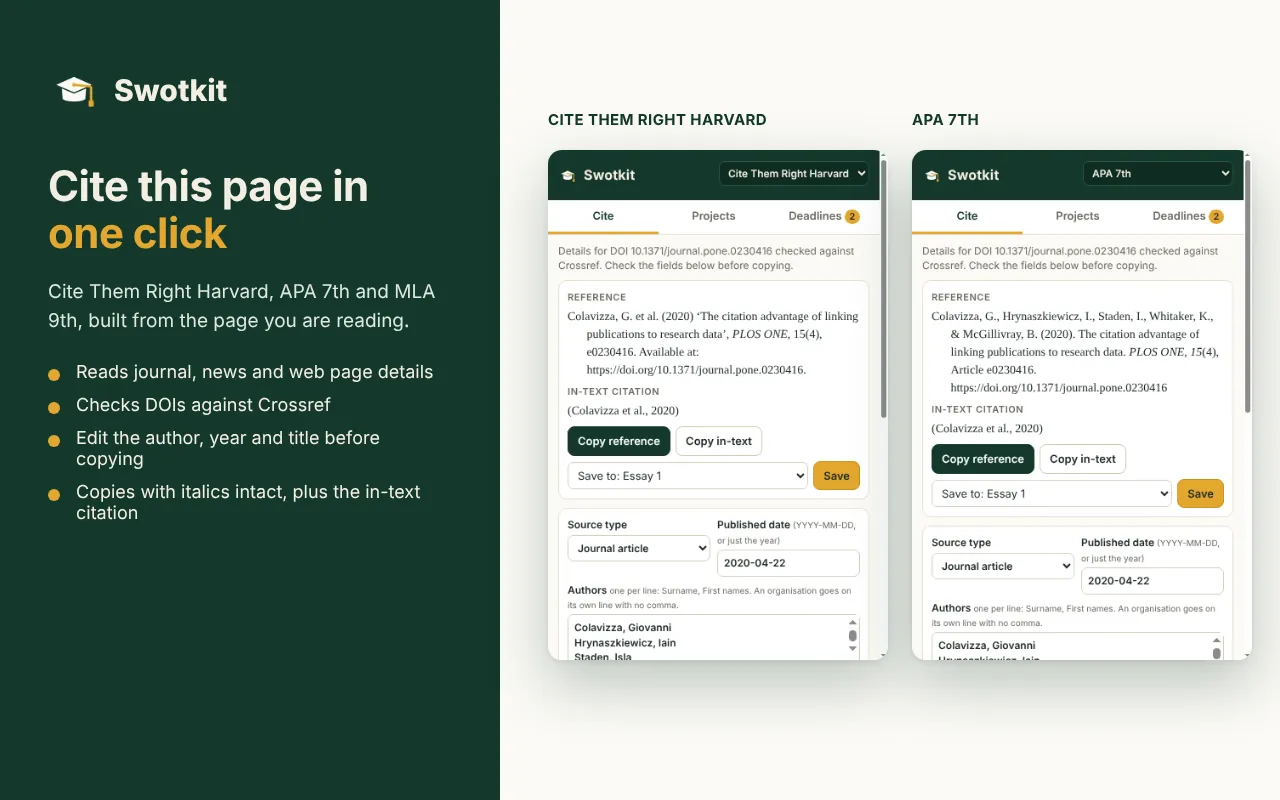
Everything Swotkit does, at a glance
Three styles
Cite Them Right Harvard, APA 7th and MLA 9th, with the in-text citation ready to copy alongside.
Reads the page for you
Journal articles, news stories, GOV.UK pages, Wikipedia and other web pages. DOIs are checked against Crossref.
Books by ISBN
Type an ISBN and Swotkit finds the book in Open Library and builds the reference.
Edit before you copy
Fix the author, year or title and the reference updates as you type. Italics survive the paste into Word or Google Docs.
Reference lists by project
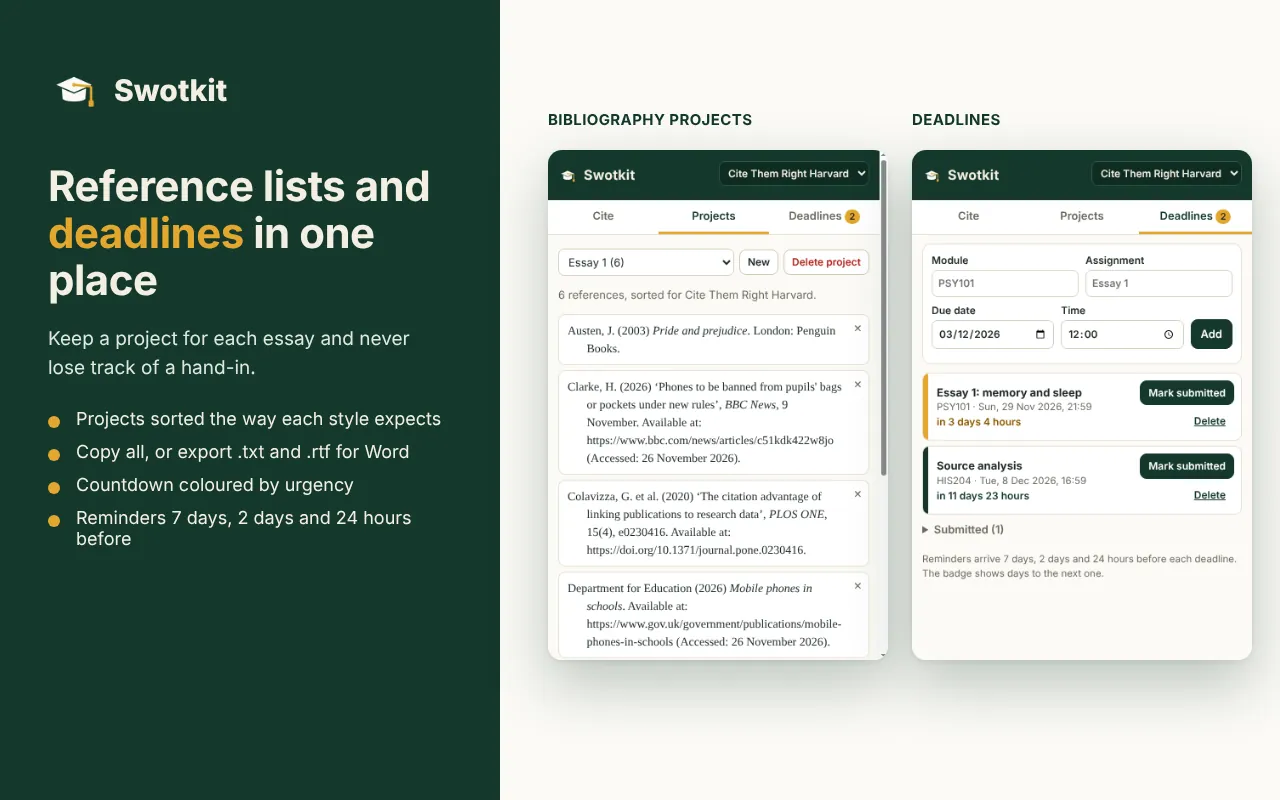
Keep a list per essay, sorted for your style. Copy it all, or export it as .txt or as .rtf for Word.
Deadline reminders
A countdown badge on the toolbar and reminders 7 days, 2 days and 24 hours before each hand-in.
See Swotkit in action
Select a screenshot to enlarge it.
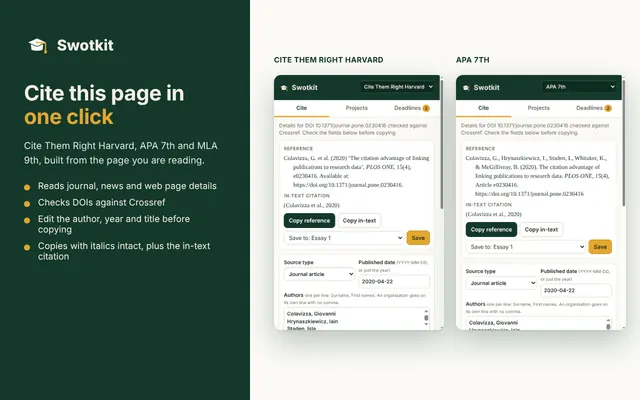
Cite this page in Cite Them Right Harvard or APA 7th, with the in-text citation. 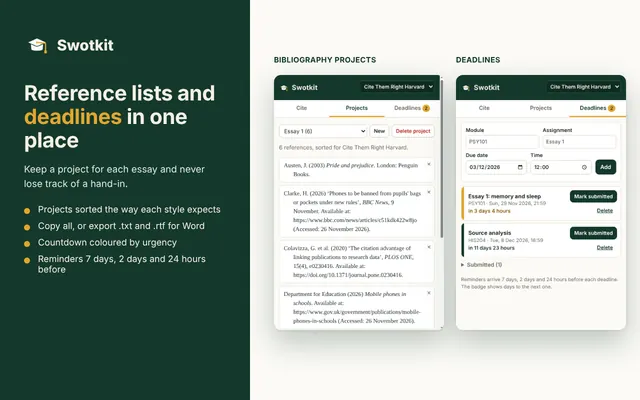
Reference lists by project, and deadlines coloured by urgency.
Three steps, no setup
Add Swotkit
Add it to Chrome or Edge. No sign-in, no account.
Open your source
Open the article or page you want to cite, click the Swotkit icon and pick your style. For a book, type its ISBN.
Copy and save
Check the fields, copy the reference and save it to a project. Add your hand-in dates in the Deadlines tab.
Made for
Swotkit is for students who would rather spend their time on the argument than on the punctuation of a reference list.
- University and college students writing essays, reports and dissertations
- Courses that use Cite Them Right Harvard, APA 7th or MLA 9th
- Students juggling several modules and hand-in dates
- Anyone who has lost marks to a missing access date or a stray full stop
Frequently asked questions
Is Swotkit free?
Yes. Swotkit is free to use, with no account and no sign-in.
Will every reference be correct?
Swotkit follows each style's rules, but it can only use what the page provides. Some pages leave out the author or date, so check the fields before you copy. Always check against your course handbook, as some departments use their own version of a style.
Which referencing styles does it support?
Cite Them Right Harvard, the Harvard version used by many UK universities, plus APA 7th and MLA 9th.
Which sites does it work on?
Any web page you can open in Chrome or Edge, including journal articles, news sites, GOV.UK and Wikipedia. Swotkit only reads a page when you click its icon, and only that page.
What data does Swotkit send?
Your references, projects and deadlines stay in your browser. Swotkit only sends a DOI to Crossref, or an ISBN to Open Library, when it needs to look one up.
Do I need the browser open for reminders?
Reminders are shown by your browser, so Chrome or Edge needs to be running for them to appear.
A page did not cite properly. How do I get help?
Send us the link through the feedback form or email plumblinelabs.uk@gmail.com.
Privacy in plain English
Swotkit is built to work without knowing who you are.
- No account, no analytics, no adverts and no tracking.
- Swotkit reads a page only when you click its icon.
- References, projects and deadlines stay in your browser.
- Only a DOI or ISBN is sent, to Crossref or Open Library, when you look one up.
Get your next reference list right first time.
Free. Works in Chrome and Edge. Questions or ideas? Send feedback.
Data and attribution
Article data from Crossref. Book data from Open Library.
Swotkit is not affiliated with or endorsed by Cite Them Right, the American Psychological Association, the Modern Language Association, Crossref or Open Library.